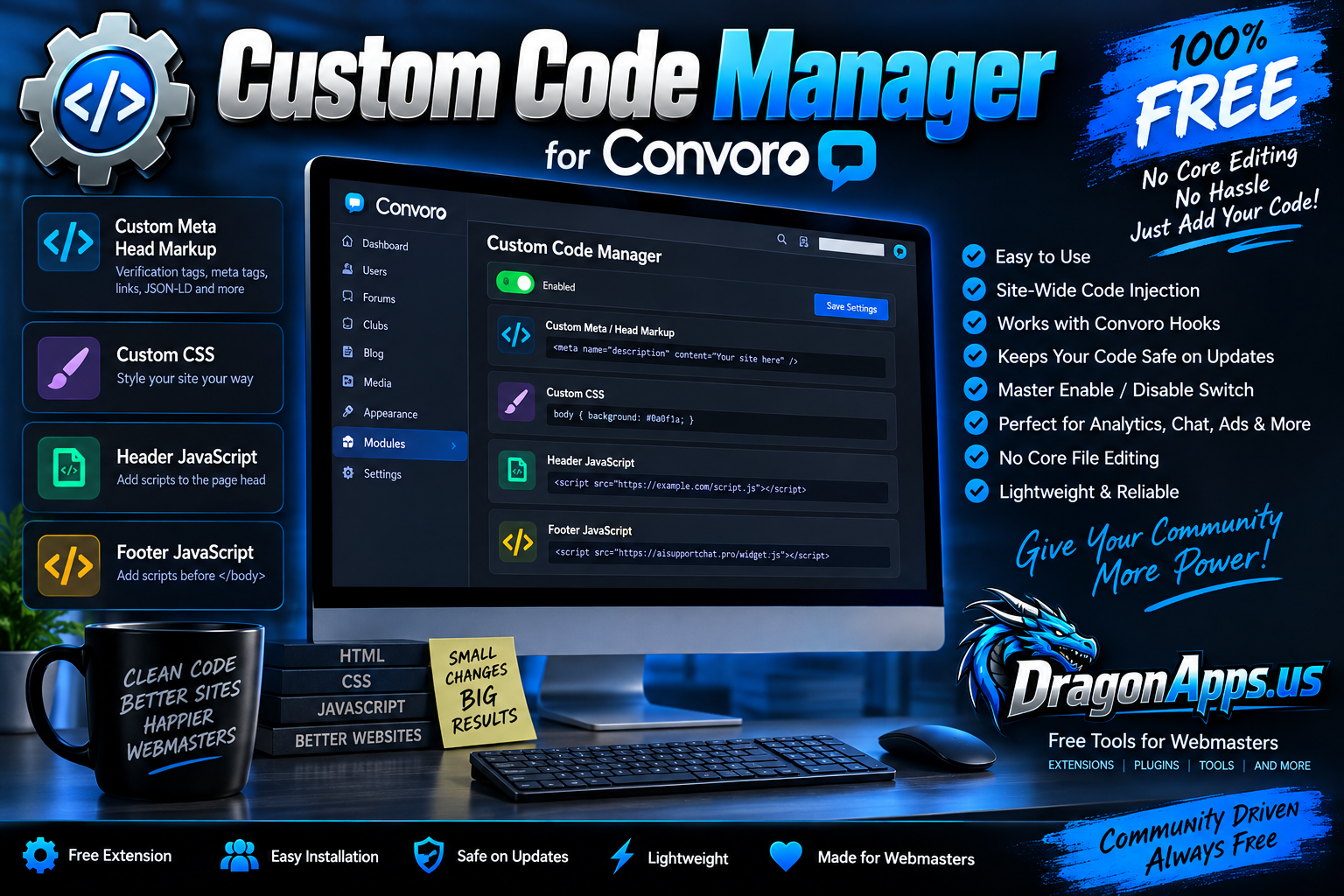
Custom Code Manager for Convoro
by dragonapps in Forum Add-ons
Custom Code Manager gives Convoro admins an easy way to add custom Meta/Head markup, CSS, Header JavaScript, and Footer JavaScript


Easily upload, organize, and manage files in WordPress using a modern drag-and-drop interface.
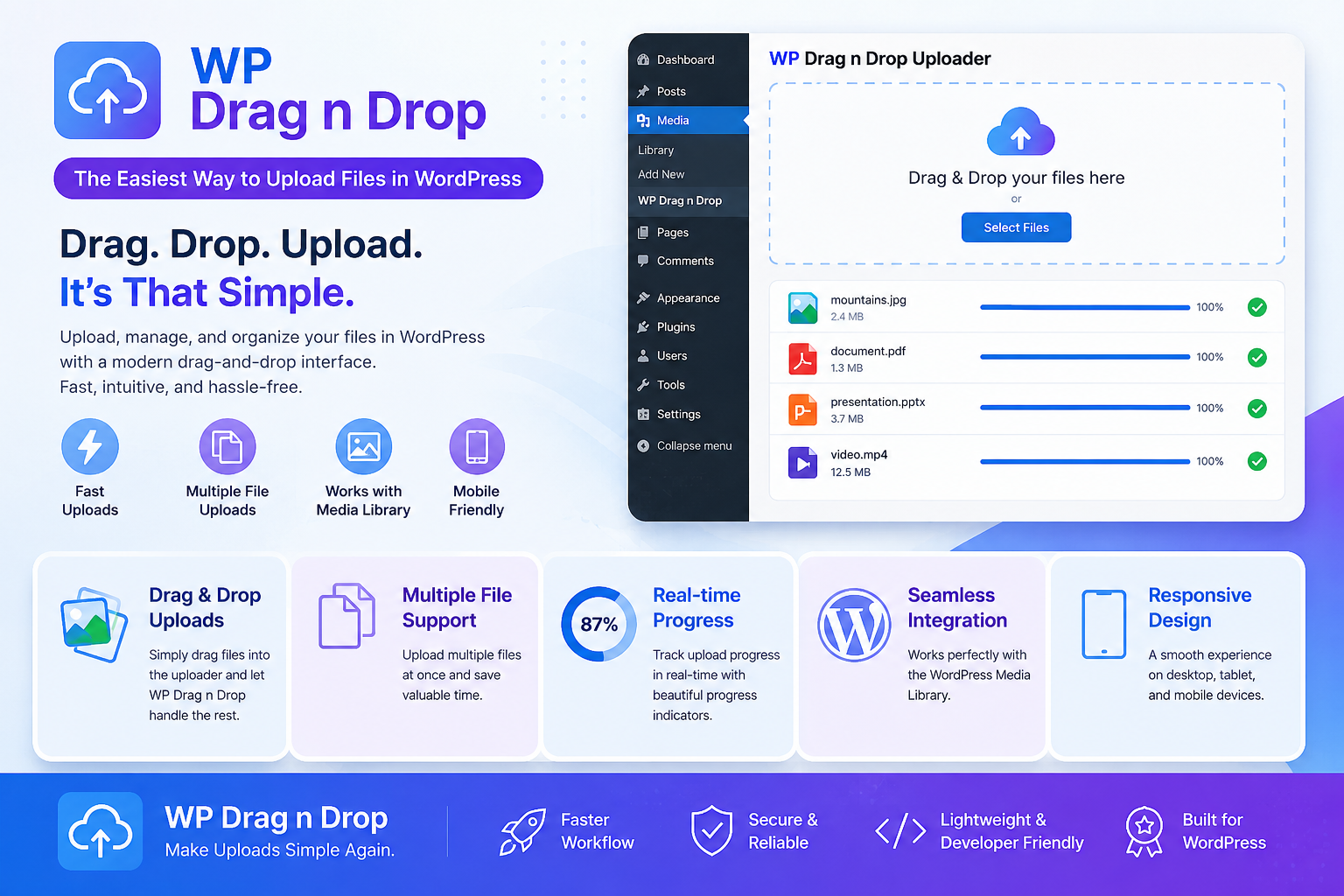
WP Drag n Drop replaces outdated upload workflows with a fast, intuitive drag-and-drop experience.
Simply drag files into the uploader and let WP Drag n Drop handle the rest. Whether you're managing images, PDFs, videos, documents, or media libraries, uploads become faster and easier.
Ideal for bloggers, businesses, agencies, and content creators who work with media every day.
Free Features
This one is FREE. Claim it and the code, the licence key and every future update are yours, with no payment step and nothing to renew. Author support is included for the first 6 months; extending it to 12 months is a paid option, and after that it continues in 6-month terms you can cancel whenever you like.
Sign in to leave a review. Reviews are moderated before they appear.
Reviews are written by signed-in members and read by a moderator before they appear. A purchase badge appears once orders are recorded.
Support for this listing comes from its author, not from the marketplace. It covers installs, configuration and bugs in the code as described on this page. Sending a request needs an account, so the author knows who they are talking to.
Sign in to contact the author about a purchase.
No releases recorded yet. The full changelog is in the download.
Full changelog back to Nov 2026 is in the download.



Kept in this browser for the session — not tied to your account.
by dragonapps in Forum Add-ons
Custom Code Manager gives Convoro admins an easy way to add custom Meta/Head markup, CSS, Header JavaScript, and Footer JavaScript
by dragonapps in Plugins
Highlight author comments across your WordPress site and make important replies easy to spot.
by dragonapps in Plugins
Deactivate and delete WordPress plugins directly from the Plugins screen without navigating through multiple confirmation pages.
Comments (0)
Questions before you buy, answered on the page. Comments are public and visible to everyone.
No comments yet. Ask the author anything about the code before you buy.
Sign in to join the comments.